Struggling to Get Hired as a Lighting Artist? Or even learn Lighting like a pro? This Masterclass Fixes That. Learn PBR, PBL, CPU, GPU, Lumen, SSGI & Production-Level Lighting for Unreal Engine — Used by Avalanche, Studio Gobo, Room 8, Fools Theory, other Keyword Studios and 20+ Studios Worldwide
Watch how this course takes artists from struggling to hired. From low income to higher income. From doing random actions to thoughtful and deliberate choices.
Stop playing safe
and it has been for last few years
Layoffs, remote jobs vanishing, flooded roles, and low salaries mean one thing: if your lighting isn't improving your portfolio doesn't scream ‘studio-ready,’ you’re invisible. If your lighting doesn't show game ready understanding, you are not a junior you are a student.
Wasting countless hours on free content isn't saving you time, money or preparing you right.
In 2024 alone there were over 15 000 layoffs, not including studio shut downs.
The ones surviving are already investing and growing.
No need to quit. No need to give up. This course will give you another edge.
Lighting is for everyone and it isn't easy without this course
It is time for you reset your situation and career. This is not the time to stop investing in yourself.
Upgrade your basic artistic lighting to real game ready artistic and technical lighting
Analyze broken lighting pipelines
Build Optimized scenes for pc, mobile and vr
Get past portfolio mindset
Confidently work with Lumen, CPU/CPU and communicate with other departments on why their vfx or materials are not working.
Wojtek is a concept artist looking to learn unreal engine lighting.
Wojtek now knows Unreal CPU Baked Lightmass and Unreal Lumens.
Curriculum preview and pillars
Real-World Lighting Workflows (PBR, PBL, EV100, realistic intensities)
Engine Mastery (CPU/GPU Lightmass, Lumen, SSGI, fog, exposure)
Artistic Thinking + Optimization
Lighting for Every Platform (PC, Console, VR, Mobile)
Portfolio Game Ready Scenes + Moods
Lighting Fundamentals, Colour Theory, Level Lighting Process
Community Forum
Ask me to make some new videos
Start your journey with CPU Lightmass, Emissive calculations, hdri, sky sphere, atmosphere and all basics using physically correct lighting for multiple time of day.
Learn how to light mixing multiple colours in same environment for game ready cinematic mindset and approach while checking some differences between CPU and GPU. Learn some tips on rapid prototyping, and color gel lighting techniques.
Learn some of the challenges of lighting realistically for open world using lumens, dig deep into atmosphere lighting and get introduced to the complexity of optimization.

And more settings, mood, environment, concepts and workflow will be taught to you. And the price will increase accordingly.
Is this you?
It is not just for people looking to become lighting artist.
You work in the game industry in any role.
You are pivoting from animation and movies into games.
You think learning for free online is better.
You’ve been trying to get lighting jobs but not getting replies.
You're a game artist and don't realize your lighting is ruining your portfolio.
You don’t know when to use Light mass vs Lumen vs Path Tracing vs SSAO
You feel stuck with the same lighting setup in every scene and tend to light scenes similar to it was.
You don't understand the technical parts of Unreal Engine Rendering
If I asked you why something is happening, you wouldn't know what to answer or how to fix it.
You eye ball most of your work.
You want to learn real lighting, not fluff tutorials. You want to surpass the teacher.
You want to work in game studios or freelance with confidence
You already paid for courses, feel disappointed and wish there was more to it.
You wish you could occasionally message the course creator for clarification or request more videos.
Trusted by many
Not only do individual artist trust us but studios too
Testimonials section
"Amit helped me learn on baked lighting, real time lighting and PBL principles while improving me on artistic side."
"It had a great combination of artistic and technical knowledge that boost my art even further."
"I've been trying to figure out how to get professional lighting results for video games for a long time and never managed to figure it out on my own with the tutorials on the internet"
"He has in depth lighting knowledge and brings forward many examples to back his claims."
"The course completely changed my way of understanding how light works, from calibrating the skies to adjusting the exposure and lights with physically correct values."
"I was able to build a portfolio, thanks to which I stepped more easily and confidently into the position of Junior Lighting Artist."
"He is super knowledgeable about lighting, composition, and game development in general. He is also very organized and has a great attitude towards helping others"

"As a lighting Designer, someone who physically works with light in real environments, it was surprising to see how well Amit translates real world principles into a digital platform."

"Thank you sir. I already re-purchased the course. I have been doing CG for 20 years and I love your content."
Previous student work
If people can learn from old course than imagine what you can learn from the biggest course yet.
First time learning Unreal
Lighting Artist
After some lessons
Senior Lighting Artist
After some lessons
Real Time Artist
After a few weeks
Technical Artist
Final Delivery
Lighting Artist
For our Lighting Challenge
Senior Technical Artist
Lighting Practice
Lighting Artist
First attempt
Lighting Artist
Final Week
Senior Lighting Artist
"He has always offered great advice, feedback, and guidance on technical, aesthetic, and career in general, which has helped me a lot personally."
"For a long time I was looking for various training courses, tutorials, etc. that would allow me to enter the world of Lighting Artist in the game development studio. After many weeks of searching and conversations, I came across Lighting Bot Academy. I knew then that I was in the right place. I received a good dose of information and a strong foundation to start my adventure as a Lighting Artist."
"I had the chance to be mentored by Amit for a while, and I can say that without a doubt it has been one of the best decisions I've made for my career.
I've been learning lighting throughout my career, and Amit's mentorship was the angular stone to put all the pieces together."
"Amit and the lessons he taught me in my mentorship were key to landing my first job in the industry. He helped me build upon my composition and color skills while also introducing a lot of the technical aspects of the career.."
"He is very talented and I immediately felt his expertise during the first feedback sessions of the Live Mentorship, he was able to help me improve on Unreal Engine and DaVinci Resolve."
"What really stands out about Amit is his character. I don’t just consider him a mentor, but also a friend. He’s always been patient, supportive, and genuinely invested in helping me succeed. Whether I needed technical guidance or just someone to talk to, Amit was always there to help. I’m truly grateful for everything he’s taught me and for the encouragement he provided throughout my learning journey. I can’t recommend his mentorship enough.."
"Before starting his mentorship I was unemployed, during this 3 and a half months he helped me get employed, and then helped me get employed AGAIN in a better job! I think that alone describes how experienced and talented he is in lighting art."
Stay ahead of others during this time.
Whats inside?
This course is alive and progressing still so the sooner you invest the more you save and the more you learn in the coming months.
A few months ago it was just 10 lessons and it is growing as we speak covering all kinds of content related to Unreal Lighting, Sky Atmosphere, Physically Based Lighting, Ev100 techniques, physically correct emissive calculation, multiple methods of approach, cpu, gpu and lumens so far.
You will watch me work on multiple environment, scenarios and approaches to ensure you understand the challenges that comes from poor materials, difficult assets and game play lighting.
When things are difficult to explain or replicate I provide you best practice and advice in written format for you to look up and try out.
You will be invited into a top secret forum with limited people allowed into for shared exercise, insight, advice and workshops.
Forget doing pretty portfolio pieces, everyone do that now. Learn the real truth about top tier lighting techniques used all the way up to Principal and Lead Lighting Level.
The course expands upon the 4.27 course into a completely new course starting from 5.4 and now also covering 5.5, and soon covering more for 5.6
You get a chance to join the mentorship at a discounted price if you decide to speed up or require further support. Regardless, I am available in the messenger and also forums.
Fundamental of Real Life Lighting
The key to great lighting starts with the science
We explain how light works in real life and inside unreal engine. You get visual examples, presentation, quiz and in engine showcase.
Fundamentals of detecting poor materials
Poor material can destroy great lighting
The reality is most projects and assets are setup incorrectly for lighting. We will teach you the fundamentals of physically based materials and why it is super important for lighting artist to understand it.
Fundamentals of Physical Based Materials
Don't be the bottleneck anymore, be the solution.
There is always incorrect physical based material in a project. Don't depend on others and learn see why your lighting is poor, and be the one who teaches others.
Fundamentals of Exposure Compensation and Photography
It isn't enough to just guess anymore.
This time explain not 1, not 2 but at least 3 methods of dealing with EV100 and Exposure Compensation for gameplay to deal with various real scenarios you will stumble upon in your career.
Fundamentals of Volumetric Features
Just because it looks good, doesn't mean it runs good.
Expanding upon our free content we explain how spheres affect resolution and that there is a scientific approach to Volumetric Lighting Workflow.
Fundamentals of Post Process
Even Post Process affects frame rate.
Stop randomly sliding post process and learn how it impacts your workflow, SDR, HDR and Lighting. Dig deep into understanding exposure features and new lighting features of Unreal Engine 5.
Fundamentals of Emissive Lighting
Emissive is not always your friend.
Just because you learned eye adaption for emissive doesn't mean you solved the problems that emissive brings. Learn when to use it and how to use it. Make it come alive.
Fundamentals of Time of Days
Don't always use similar values
When lighting different time of day we utilize different settings, values, exposure and solutions. When do you use HDRI vs Atmosphere? When you do break the rules?
Fundamentals of Creative Lighting
Sometimes science isn't enough
After setting up physical correct values the art direction might still require you to make adjustment that are more artistic. Learn how to control it more.
Fundamentals of Leading Player
Pretty isn't enough anymore
We unlearn your bad habits when doing cinematic and portfolio lighting because they do not help realistic professional game lighting work you will do.
Fundamentals of Profiling
If it doesn't play well on target hardware, you failed.
Learn how to use GPU and CPU Profiler, get introduced to professional profile and debugging so you can nail that promotion or job interview.
Fundamentals of Debug Views
The basic buffer view is not enough anymore
Learn how to read, interpret and debug using various debug and buffer views for the various lighting pipeline. Sometimes you need to create your own.
Fundamentals of streaming
Prepare your workflow for future projects
Don't be part of the wrong level streaming club. Learn to set it up correctly and organized so it is functional for your chosen lighting pipeline. Know when to use world partion.
Fundamentals of Tools
Don't limit your skills to what people say is for X role
Learn the tips and tricks of professional trade in analyzing projects, debugging issues and teach colleagues what is wrong using tools such as pixel inspector.
Fundamentals of Fog
Your image is flat for a reason and often it is the fog.
Understand how fog functions to better utilize it, and get good quality out of it while understanding performance cost. Learn how fog flattens your images or desaturates it.
Fundamentals of Sky Atmosphere
There is more to the engine than you think
And lots fo cool feature and techniques that I bet you never even touched or understood.
This course will contain much more from CPU, GPU, Lumens and more to become the real Ultimate Lighting Course.
Sign up for newsletter to get chance to be mentored
Lead Lighting Artist
Amit has already taught over 9000 students world wide in various topics such as lighting. He has worked for outsourcing companies such as Iron Belly Studios as Technical Lighting Artist. Junior Lighting Artist for start up companies such as Bluebox. Lighting Artist at Ubisoft for Tom Clancy – Ghost Recon Breakpoint Senior Lighting Artist at Interior Nights. Lead Lighting Artist at many companies such as Gunzilla Games for Off The Grid. And currently Lighting Director at Mad Head Games as consultant. His speciality is unique for game lighting pipeline that balances optimization and gorgeous renders using physical correct values. Are you ready to change your life with his help?
Artstation
FAQ section
You've got questions. We've got answers.
I understand that it might feel like a significant investment, and it is. But this course is designed to fast-track your skills, portfolio, and career as a lighting artist in ways that free tutorials and cheaper courses simply can’t.
Many of our students have gone from struggling to get noticed to landing real studio work, increasing their income, or even starting freelance careers. It’s not just about learning lighting, it’s about becoming the kind of artist studios want to hire.
Free content is great for surface- level learning, but this course is structured (and will be restructured again), guided, and project-based with real community, feedback to ask more videos, and professional case studies that mirror studio conditions. That’s the difference between watching and actually becoming job ready.
Cheaper courses often teach generic workflows or skip the nuanced lighting decisions that separate junior work from pro level.
My course is designed by someone who's worked on AAA and stylized games and built to simulate real world scenarios so you can stand out in a saturated market. That's why studios mentioned before use it to train their own teams
But I totally understand. That’s exactly why I include long term access and updates whole year. You’re not just buying a course, you’re joining a professional growth system.
However, we are an industry led and industry verified course by many top lighting artist.
In terms of return, think about this:
• A artist job can pay €40,000–€80,000/year.
• This course helps you build the portfolio to get there.
• You could spend years trying to figure it out alone or get there faster with expert systems.
If this course even helps you land 1 project or job you wouldn’t have before, it pays for itself many times over.
If you’re serious about becoming a better artist or lighting artist, I’d be happy to hop on a quick call to see if this is the right fit for you. I don’t want you to pay for something that won’t help, but I also don’t want you to miss an opportunity that could change your career.
The course will take you several weeks to complete on your own at this stage as multiple videos and content has been added now.
Yes, we go through the fundamentals before we speed up into more intermediate topics. In the future more advanced topics will come, as well as deep dive. Either, you are part of a forum and can message me.
Yes, as long as the platform exist it will be available. If something were to happen a download link will be provided instead.
We do not refund
The current content itself probably will not but there will be specific new content to teach you using 5.6 as soon as good environments are available. And if 5.7 happens to be out before we are done than that too probably.
Yes, not only CPU and GPU Lightmass.
In this section we go through some new issues with the updated asset environment after it was updated for Unreal Engine 5 and Lumens, so these videos are meant to make you aware on what you need to do for a better quality and less baking issues.
In this section we dig a bit deeper to fix or change some of the materials and assets so you understand what you can do to further improve, adjust or otherwise need to deal with as lighting artist in the game industry.
3.1 Definition of Light Baking
Explanation: Define what light baking is and why it's used.
Visual Aids: Use diagrams to show the process of light baking.
3.2 How Light Baking Works
Process: Walk through the steps of the light baking process.
Tools: Introduce the tools in Unreal Engine 5 used for light baking.
3.3 Differences Between Baked and Dynamic Lighting
Quality: Compare the visual quality of baked vs. dynamic lighting.
Performance: Discuss the performance implications of both types.
Flexibility: Explain the flexibility and limitations of each approach.
2.1 Introduction to Exposure Values (EV)
Definition: Explain what Exposure Values (EV) are and their significance in lighting.
Calculation: Show how EVs are calculated and adjusted.
2.2 Exposure Triangle Theory
Components: Introduce the exposure triangle (aperture, shutter speed, ISO).
Relationship: Explain how these three components interact to affect exposure.
Application in Unreal Engine: Demonstrate how to apply the exposure triangle theory to game lighting.
In this section we quickly get started by double checking you have setup the project correctly, especially if you downloaded the project. Then we setup basic exterior day light without adding any complex fundamental or rules to ensure gradual introduction to the complex precomputed lighting workflow.
In these videos we dig a bit deeper in understanding exposure settings more so you can make educated changes and decision for your own scene.
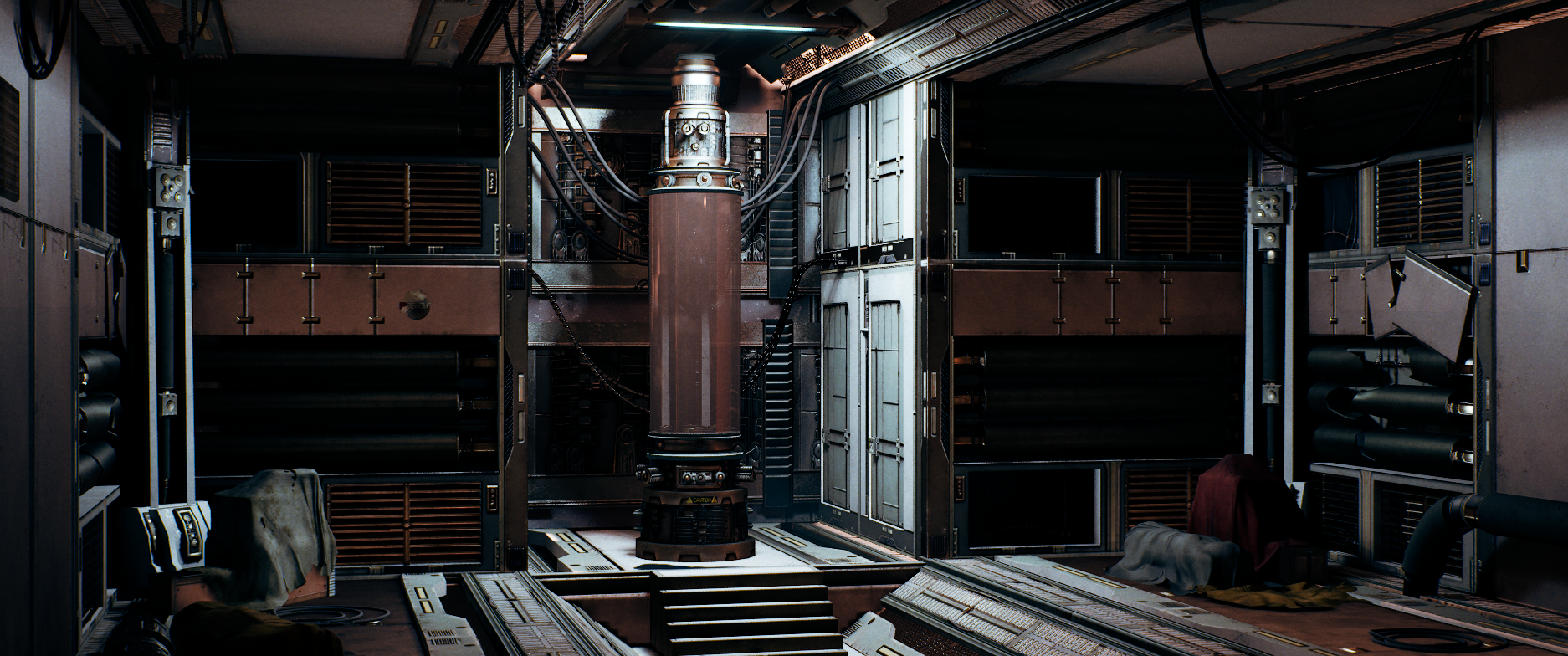
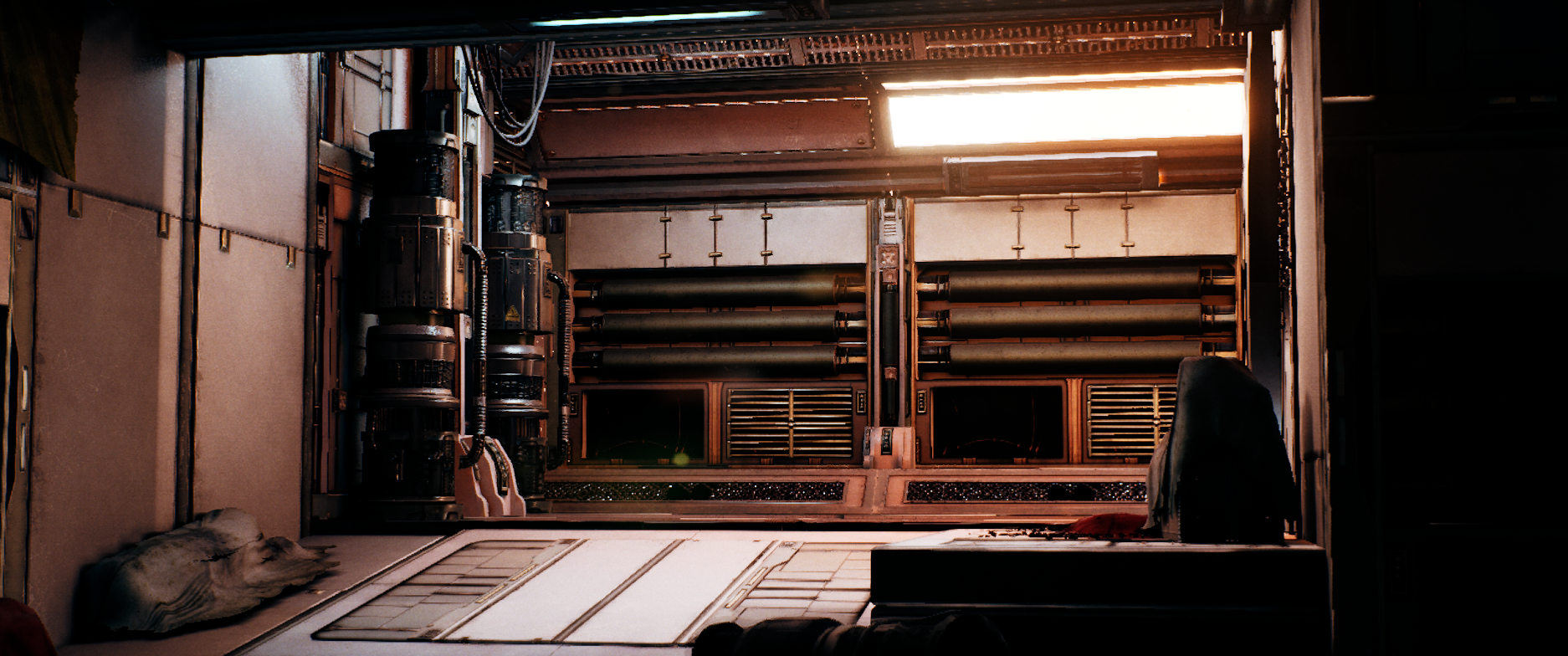
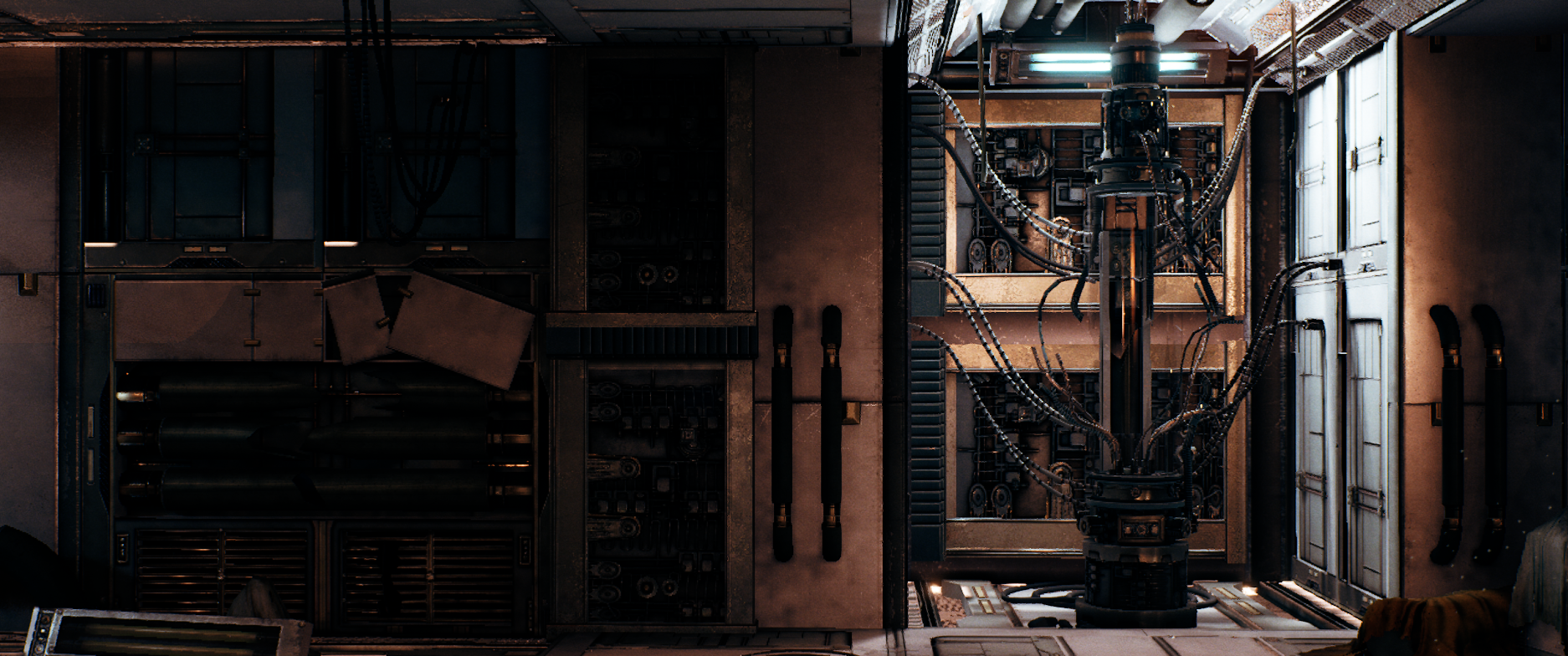
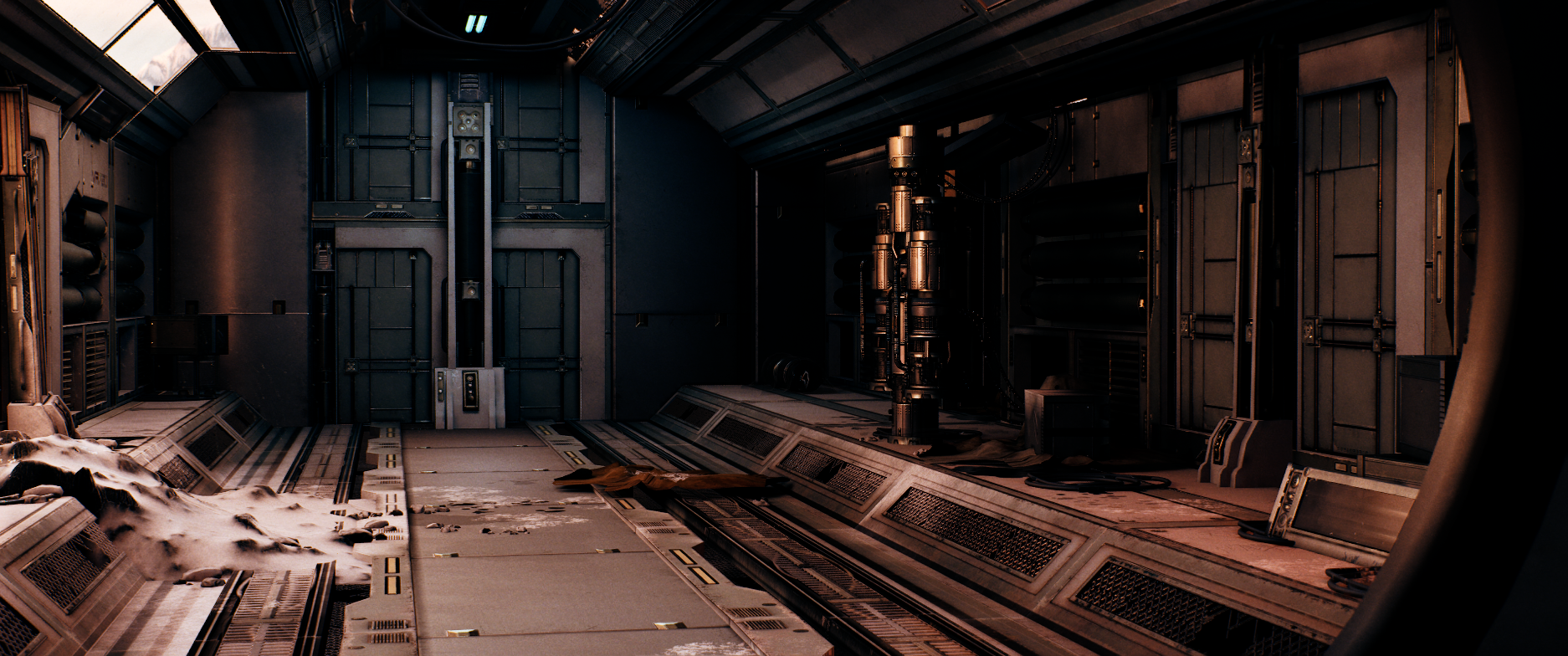
In this section you will find some files to allow you to troubleshoot your work or speed up your work, in case you don't want to learn the important skills of editing, changing or updating source files to improve your lighting.
Join others and 20+ game studios now